In high-scale applications, the database is frequently the primary bottleneck. As data grows from thousands to millions of rows, queries that once took milliseconds begin to crawl, leading to application timeouts and poor user experience.
Optimizing MySQL isn't just about adding indexes; it’s about understanding the execution engine, identifying resource-heavy patterns, and tuning the configuration to match your hardware. This guide explores professional-grade strategies for transforming sluggish databases into high-performance engines.
1. Identifying Slow Queries
You cannot fix what you cannot measure. The first step in optimization is identifying which queries are actually causing the lag.
The Slow Query Log
Enable the slow query log in your my.cnf to capture queries that exceed a specific execution time threshold.
# my.cnf
slow_query_log = 1
slow_query_log_file = /var/log/mysql/slow-query.log
long_query_time = 1
log_queries_not_using_indexes = 1
Using mysqldumpslow
Once the log is populated, use the built-in mysqldumpslow tool to aggregate the data. This helps identify the most frequent offenders.
# Sort by average execution time
mysqldumpslow -s at /var/log/mysql/slow-query.log
2. EXPLAIN Analysis Deep Dive
The EXPLAIN statement is the most powerful tool in your optimization arsenal. It reveals the execution plan MySQL intends to follow.
Understanding the Output
When you run EXPLAIN SELECT ..., pay close attention to these columns:
Type: Look for
const,eq_ref, orref. If you seeALL, it means a full table scan is occurring—this is a major red flag.Key: Shows the index MySQL actually chose.
Rows: An estimate of how many rows must be examined.
Extra: Watch out for
Using filesortorUsing temporary, which indicate heavy overhead.
Example Analysis
EXPLAIN SELECT * FROM orders WHERE customer_id = 502 AND status = 'pending';
If the type is ALL, MySQL is reading every row in the orders table to find the matches. This leads us to our next section.
3. Strategic Indexing Techniques
Indexes are data structures (typically B-Trees) that allow MySQL to find rows without scanning the entire table.
Composite Indexes
If your queries often filter by multiple columns, a composite index is superior to multiple single-column indexes.
The Left-Side Prefix Rule:
An index on (last_name, first_name) can optimize:
WHERE last_name = 'Ajmal'WHERE last_name = 'Ajmal' AND first_name = 'Muhammad'It cannot optimize
WHERE first_name = 'Muhammad'.
Covering Indexes
A covering index is one where the index itself contains all the data required for the query, allowing MySQL to skip reading the data blocks entirely.
-- Query
SELECT id, status FROM orders WHERE user_id = 5;

-- Optimized Covering Index
ALTER TABLE orders ADD INDEX user_status_idx (user_id, status);
4. Query Rewriting Patterns
Sometimes, the way a query is written prevents MySQL from using its optimizer effectively.
Avoid Functions on Indexed Columns
If you wrap an indexed column in a function, MySQL cannot use the index.
Bad:
SELECT * FROM users WHERE YEAR(created_at) = 2024;Good:
SELECT * FROM users WHERE created_at >= '2024-01-01' AND created_at <= '2024-12-31';
Optimize OR with UNION
MySQL often struggles to use indexes efficiently with OR clauses. Using UNION allows it to combine the results of two indexed searches.
-- Rewrite this:
SELECT * FROM products WHERE category_id = 5 OR brand_id = 10;

-- To this:
SELECT * FROM products WHERE category_id = 5
UNION
SELECT * FROM products WHERE brand_id = 10;
5. Partitioning Large Tables
When a table grows to 100M+ records, even indexes become bulky. Partitioning splits a large table into smaller, more manageable pieces (partitions) while appearing as a single table to the application.
Implementing Range Partitioning
This is ideal for time-series data like logs or transactions.
CREATE TABLE transactions (
    id INT,
    amount DECIMAL(10,2),
    created_at DATETIME
) PARTITION BY RANGE (YEAR(created_at)) (
    PARTITION p2023 VALUES LESS THAN (2024),
    PARTITION p2024 VALUES LESS THAN (2025),
    PARTITION p_future VALUES LESS THAN MAXVALUE
);
Benefit: If you query data from 2024, MySQL uses "partition pruning" to ignore all data in the 2023 partition.
6. Configuration Tuning
Software optimization can only go so far if the server hardware isn't utilized properly. Tuning my.cnf is critical.
Key Parameters
innodb_buffer_pool_size: The most important setting. Set this to ~70-80% of your total RAM to cache data and indexes in memory.
innodb_log_file_size: Larger log files reduce the need for checkpoints, improving write performance.
query_cache_type: In modern MySQL (8.0+), the query cache is removed. Instead, use external caching like Redis.
7. Caching Strategies
For frequently accessed but rarely changed data, hitting the database is a waste of resources.
External Caching with Redis
Implement a "Cache Aside" pattern in your application:
Check Redis for the key.
If it exists (Cache Hit), return it.
If not (Cache Miss), query MySQL, store the result in Redis, and return.
Application-Level Result Caching
In Laravel or Node.js, wrap your expensive queries:
$users = Cache::remember('active_users', 3600, function () {
    return DB::table('users')->where('active', true)->get();
});
8. Monitoring & Maintenance
Optimization is a continuous cycle. You must monitor performance trends over time.
Useful Monitoring Queries
-- Find indexes that are never used (and are just slowing down writes)
SELECT * FROM sys.schema_unused_indexes;

-- Find the top 5 most resource-intensive queries
SELECT query, exec_count, avg_latency
FROM sys.statement_analysis
ORDER BY avg_latency DESC LIMIT 5;
Maintenance Script: Table Optimization
Over time, deleting and updating rows leaves "holes" in your data files (fragmentation).
-- Reclaims space and defragments indexes
OPTIMIZE TABLE transactions;
9. Tools and Resources
Percona Toolkit: Specifically
pt-query-digestfor analyzing slow query logs.MySQL Workbench: Visual EXPLAIN plans.
DBeaver: Excellent for ERD visualization and complex query execution.
Prometheus + Grafana: For real-time monitoring of TPS (Transactions Per Second) and Latency.
10. Case Study: Optimizing a 100M Record Taxi App
In a recent project for a taxi booking platform (Masar), the trip_history table grew to 120M records. The dashboard took 12 seconds to load the monthly summary.
Steps Taken:
Analyzed EXPLAIN: Discovered a full table scan on
created_at.Applied Partitioning: Partitioned the table by month using
RANGE.Composite Index: Added
(driver_id, status, created_at).Buffer Pool Tuning: Increased
innodb_buffer_pool_sizefrom 2GB to 16GB.
The Results:
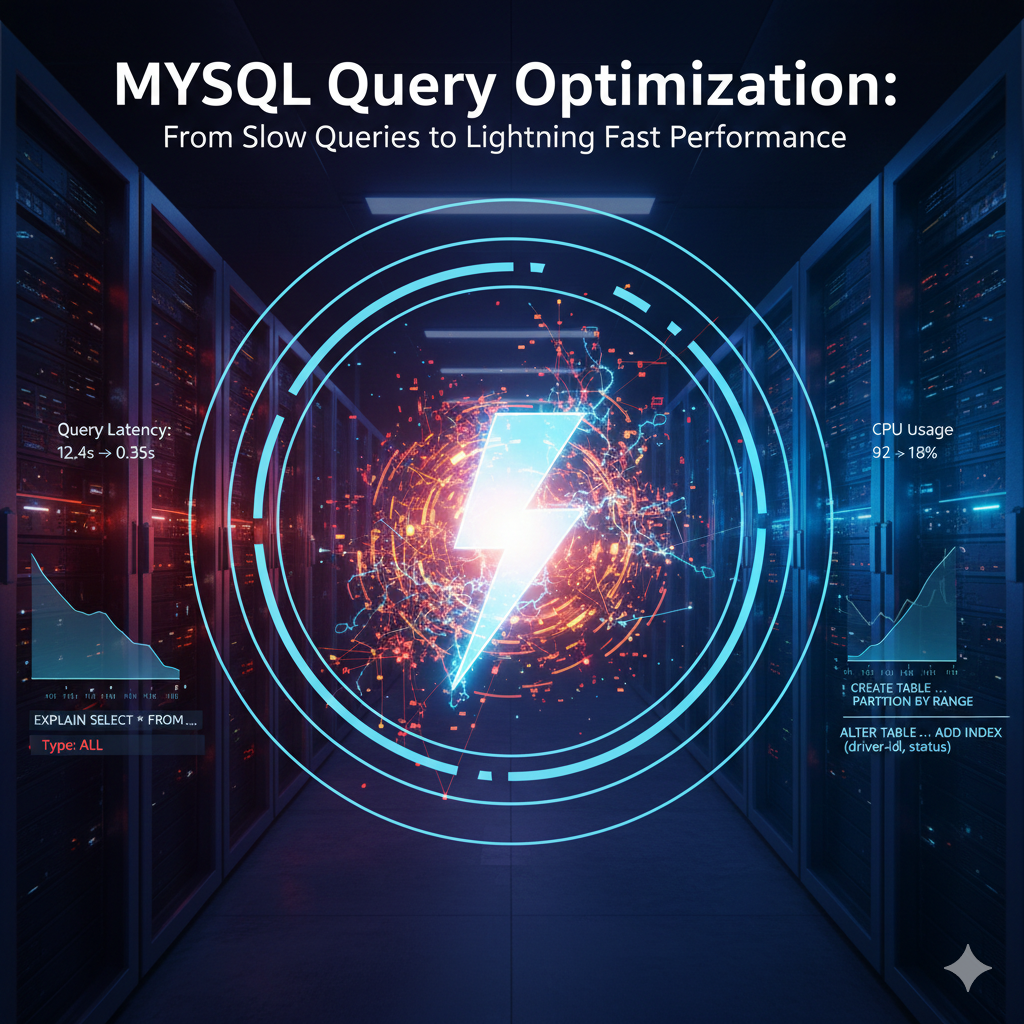
| Metric | Before | After | Improvement |
| Query Latency | 12.4s | 0.35s | 97.2% |
| CPU Usage | 92% | 18% | 74% |
| Peak Load Capacity | 100 req/s | 1,200 req/s | 12x |
Author Expertise: Muhammad Ajmal is a Database Performance Expert who has successfully optimized databases with 100M+ records. He specializes in high-concurrency architecture and advanced MySQL tuning.